
Start after the success
Describe an objective already achieved by an extreme margin. Choose the type of action and the tone you want at the table.
DM & session
Success decided.
Excess on display.
A moment to remember.

Make overwhelming success visible
Show exceptional execution and keep the decided result intact.
Describe an objective already achieved by an extreme margin. Choose the type of action and the tone you want at the table.
Explain why the attempt overwhelmed its requirement, what witnesses saw and what limited direct aftermath follows.

Extraordinary execution in view
A wizard holds gate stones and towers suspended above a clear road. Companions, guards and travellers watch the extraordinary display.
Choose power, precision, speed, influence, insight, preparation or control as the excess on display. Keep the scene tied to the objective already achieved.
What you can create
Connect execution, evidence, witnesses and direct aftermath.
Begin with a success your table has already decided. Describe the achieved objective and the extreme margin that made it exceptional.
Show excess through power, precision, speed, influence, insight, preparation or control. Make the extraordinary execution visible in the scene.
Receive a complete overwhelming-success moment. Read it aloud as written or trim it to fit the pace of your table.
Explain why the attempt was so effective. Keep the original requirement, stakes and character competence connected to the narration.
Describe the evidence of exceptional execution and what others notice. Give witnesses something striking to react to.
Describe a modest consequence, the direct aftermath and an optional next step. Keep the achieved objective and its original rewards intact.
Choose the action and tone, then refine the kind of excess, degree of control, visibility, pressure, private context and a detail to revisit later.
Keep useful sections locked while rerolling selected details. Shape the moment around the parts that fit your scene.
Edit with undo and redo and revisit recent results during the current desktop session. Copy or export the narration you want to retain beyond it.
Copy individual sections, the full Dungeon Master version or a player-facing retelling. Download JSON or print the finished moment for later use.

Shape the already-decided result
A Dungeon Master and players gather around a fortress scene with adventurers, witnesses and a shattered gate. Their reactions bring the achievement into focus.
Describe the achieved objective, action and tone. Add competence, the original requirement and stakes, then shape the excess, visibility and limited consequence.
Build the complete moment
Prepare narration for the result your table has decided.
Begin with the success and its extreme margin already known. Choose the type of action and the tone for the narration.
Use power, precision, speed, influence, insight, preparation or control. Set how controlled the execution was and who witnesses it.
Describe a limited consequence and the direct aftermath. Add pressure, an optional follow-on, private context and a detail the table may reference later.
Lock useful sections, reroll selected details and edit with undo or redo. Read aloud, copy the player-facing retelling, export JSON or print the moment.

The achievement at the table
Players and their Dungeon Master share a drawbridge scene. An elf archer cuts a chain above the table while onlookers witness the raised bridge.
Describe what others saw and the direct aftermath of the achieved objective. Add an optional follow-on or a detail to revisit in another scene.
Keep the narration you want
Use locks, editing and export to shape what you share.
Revisit recent results during the current desktop session. Copy or export anything you want to keep beyond that session.
Lock the details that fit, reroll selected sections and edit with undo or redo. Keep the achieved objective and its original rewards intact.
Copy individual sections, the complete Dungeon Master version or the player-facing retelling. Choose the narration that fits your table.
Download the result as JSON or print the finished moment. Retain the narration and the detail you may reference later.
Your workspace and related products
Open VISINVOKE products through your account.

Open Massive Overkill from the Generators collection in your signed-in Windows desktop workspace.
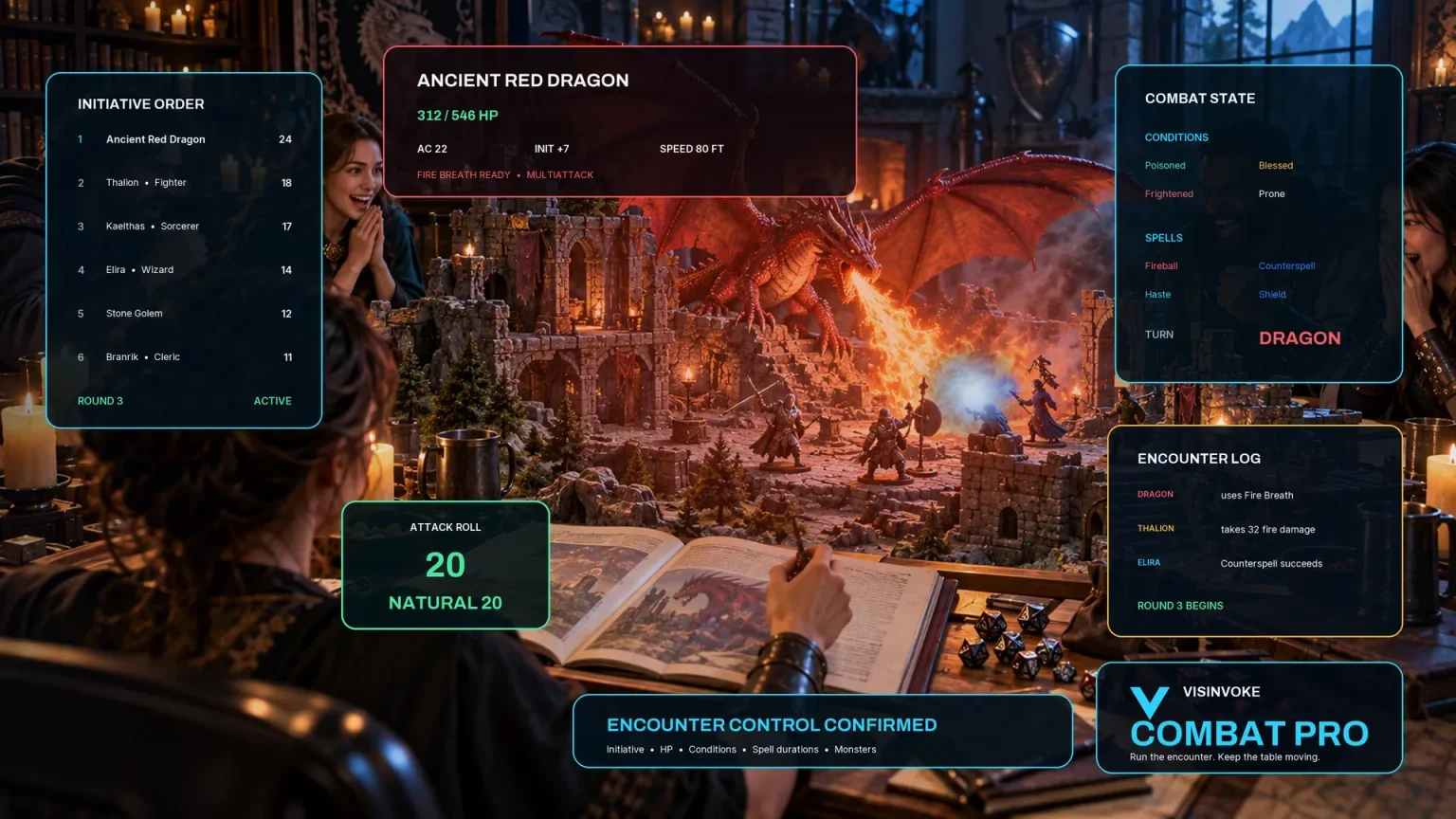
Explore a separate VISINVOKE workspace for preparing and running combat at your table.
Images are product illustrations. Massive Overkill provides narration independently of combat.
Questions and answers
The achieved objective, narration, session history and access at a glance.
Narration for an objective already achieved by an extreme margin: success confirmed, read-aloud material, why it overwhelmed the requirement, excess on display, limited consequence, direct aftermath, optional follow-on, witness reactions and a detail to revisit later.
Use it after your table has decided the success and its overwhelming margin. Describe the achieved objective, choose the type of action and tone, then shape how the extraordinary result appears.
Add character competence, the original required threshold and stakes, then choose the kind of excess, degree of control, visibility, limited consequence, pressure, private context and potential for later references.
The table keeps the achieved objective and its original rules rewards. The generator makes the execution, visible evidence, witness reactions and limited aftermath memorable through narration.
Revisit recent results during the current desktop session, lock or reroll individual sections and edit with undo and redo. Copy a section, the full Dungeon Master narration or a player-facing retelling, download JSON or print anything you want to keep beyond the session.
Create a VISINVOKE account or sign in, get Desktop Control Centre through your account installer page and open Massive Overkill in the Generators collection on Windows. View current subscription details in your account.
Continue in VISINVOKE
Create a free VISINVOKE account or sign in to your existing account. Get Desktop Control Centre through your account installer page.
Open Massive Overkill in the Generators collection on Windows. View current subscription details in your account.